Українська
 Español
 Português (Brasil)
 Polski
 Deutsch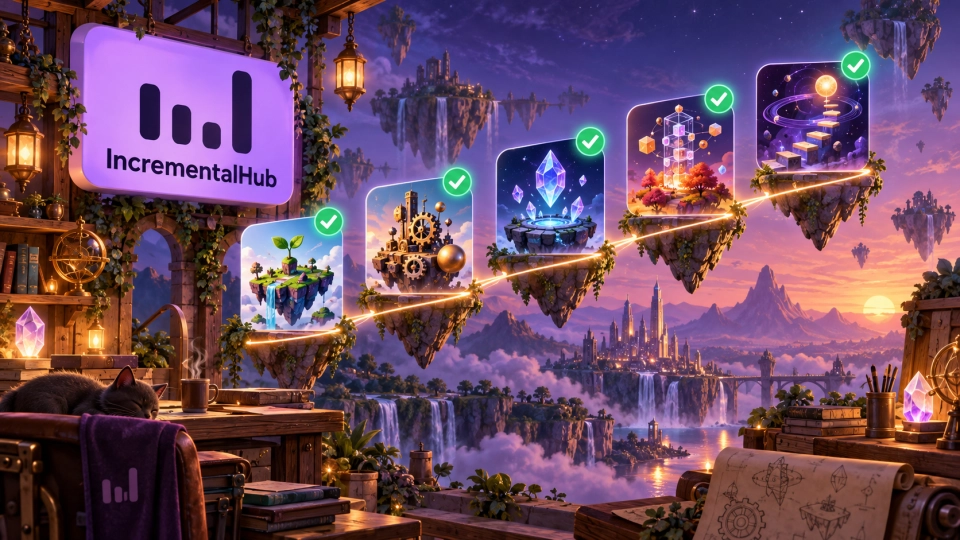
IncrementalHub has reached a milestone that belongs to its community: the first five games now have verified developers. Behind every progress bar, upgrade and new idea is someone who keeps building. Today, we want to put those people and their games in the spotlight.
Thank you to Alexandre Mailliu, Static Feed, Erkberg Games, Buma Games and Mynlex for bringing your games to players and becoming part of IncrementalHub. Publishing an indie game takes patience, experimentation and plenty of work that players never see. Confirming your connection to its page helps us build a catalogue where players can discover both a game and the people behind it.
Five games, five creators to discover
Our first verified group includes It's Chopping Time!, Horde of Distraction, The Greenening, It's Fine and LOOPINITY: Break the Cycle. The cards below open each game's page, where you can read its description, see the available platforms and follow its game or store links. Game names stay in their original form in every site language.
 It's Chopping Time!Developer: Alexandre Mailliu Verified developer
 Horde of DistractionDeveloper: Static Feed Verified developer
 The GreeneningDeveloper: Erkberg Games Verified developer
 It's FineDeveloper: Buma Games Verified developer
 LOOPINITY: Break the CycleDeveloper: Mynlex Verified developer
Explore a game that catches your eye, save it to your favourites, or leave a thoughtful comment about your experience. These small actions help creators understand what players enjoy and help other visitors decide what to try next. A community catalogue becomes more useful when discovery turns into conversation.
What the verified developer badge means
The badge means that IncrementalHub has confirmed the developer's connection to the game. It gives players a clearer link between a catalogue page and its creator. It does not promise a particular level of quality or replace your own judgement about a game.
For developers, an approved request connects the page to their account so they can manage its information and submit updates. Publication and later changes still follow the site's moderation process. Keeping a description, screenshots, platforms and official links current helps players find the right information when they discover your work.
How to verify your game on IncrementalHub
- Sign in or create an account, and confirm your email address when requested.
- Check the games catalogue first. Your game may already have a page; there is no need to submit a duplicate.
- If it is listed and has not yet been claimed, open its page and select “Verify developer”, then “I am the developer” to send a request from your account.
- Our team reviews the request and may contact you to confirm your connection to the project. Sending a request does not immediately grant the badge. Follow the result in your account notifications.
- After approval, use your account to manage the game's page and submit corrections or updates for moderation.
If your game is missing, add your game. You can import supported store information or fill in the form yourself. Check the original title, developer name, description, platforms, screenshots and official links, then submit the page for review. Once it is published, request developer verification from the game page if it has not already been confirmed.
Building something that grows? Join us
Whether you are making an incremental game, an idle experiment or a clicker with a fresh idea, we would love to help players discover it. Start with an accurate page and let the community meet the creator behind the project.
Add your game to IncrementalHub, or find your existing page and request verification. If you are visiting as a guest, the submission link asks you to sign in or register first and then continues to the game form. Thank you for helping this community grow, one game at a time.